Mutagent Blog · Announcements
Run The Entire Agent Development Lifecycle with Mutagent Helix
Mutagent Helix takes an AI agent from spec to production in one binary, and the evaluator that grades each run has no permission to edit the fixes it scores.
Mutagent Blog · 2026-10-05 · by Burak Ozafsar
~3 min read
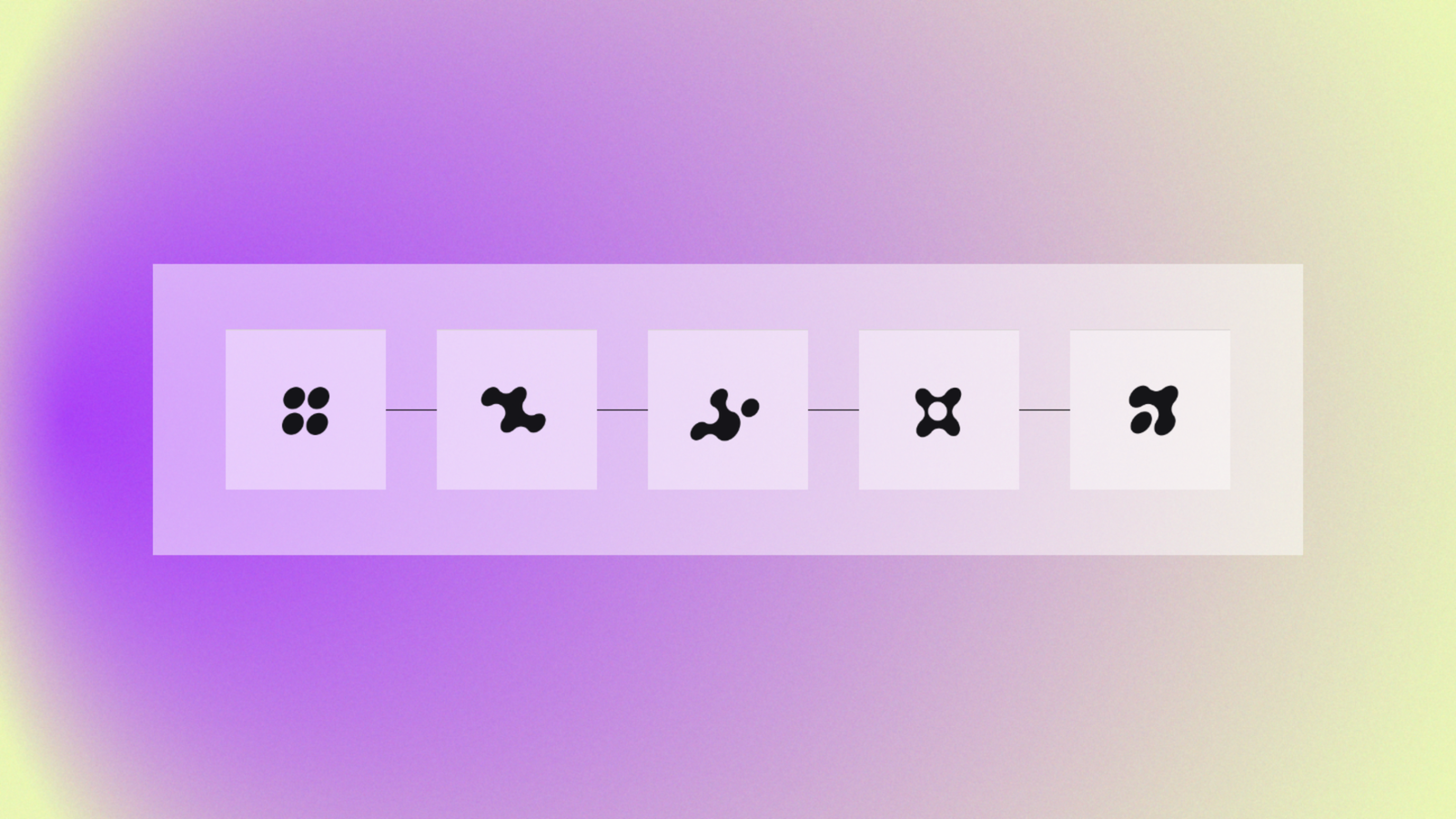
Mutagent Helix takes an agent from its first spec through build, evaluation, diagnosis, optimization, and shipping, and it keeps all six stages inside one repository on your machine. You can start at any stage. An agent that has been in production for months can go straight to evaluation, and a new one can start from a blank spec.
How the agent development lifecycle works in Helix
The spec stage turns what you want the agent to do into a versioned document that every later stage checks its work against. Build scaffolds the agent from that spec and writes tests first, while a reviewer agent watches the build with the authority to redirect it or stop it.
Evaluation learns what good behavior looks like by reading the agent’s own production traces, then scores each new run as a pass or a fail at a gate. When a run fails, diagnosis reads the trace before it forms a view, finds the step where the agent went wrong, and hands you a ranked list of fixes. It applies none of them.
Optimization does the applying, and it only touches the layer the diagnosis named. Every fix gets replayed against the runs that failed earlier and has to pass them before it counts. The ship stage then watches CI and the traces that arrive after deploy, and if something regresses it recommends a rollback with the evidence attached and waits for you to run it.
Why the Helix evaluator can’t touch the fix
Eleven sub-agents do the work in Helix, and each one has a single job. The evaluator that scores a run is a separate agent from the one that changes it, and it has no permission to edit anything, so a score can’t creep upward because the agent that wrote a fix also graded it. Nothing ships and nothing rolls back until a person approves it.
Bring your own model provider (or a custom endpoint)
Helix works with a custom endpoint, as well as with Anthropic, OpenAI, Google, OpenRouter, Groq, xAI, DeepSeek, Moonshot, Kimi, and Z.ai, and it reaches Bedrock and Vertex through the credential chains you already have set up. Your API keys stay in your environment, and you can switch providers without changing anything about how the lifecycle runs.
Install the Helix public beta
Helix ships as a single binary for macOS and Linux on arm64 and x64. The harness, skills, and agents are bundled inside it, so setup is one command.
curl -fsSL https://install.mutagent.io/helix | bashFrom there, /login connects a provider and /model picks the one you want. Over the coming weeks we’re publishing a closer look at each stage of the lifecycle.
Helix FAQ
What stages are in the Helix agent development lifecycle?
Helix covers six stages, which are spec, build, evaluate, diagnose, optimize, and ship. They run inside one binary, and you can enter at whichever stage your agent needs.
Can I use Helix on an agent that is already in production?
Yes. You can skip spec and build and start at evaluation, which reads the agent’s existing production traces to learn what good behavior looks like before it scores new runs.
Does Helix change my agent without approval?
No. Diagnosis ranks possible fixes and applies none of them, optimization applies the fix a person picks, and the ship stage recommends rollbacks with evidence but leaves the decision to run one with you.
Which LLM providers work with Helix?
Helix supports custom endpoints, as well as Anthropic, OpenAI, Google, OpenRouter, Groq, xAI, DeepSeek, Moonshot, Kimi, and Z.ai, plus Bedrock and Vertex through your existing credential chains. Your API keys stay in your environment.